
The Eisenhower matrix for your to-do list, your day and your week.
Sort every task by urgent and important, see what to do first, pick three for today and plan the week in a minute.
- Free to download
- No ads
- Widgets and reminders
- Tasks are saved on your phone
How it works
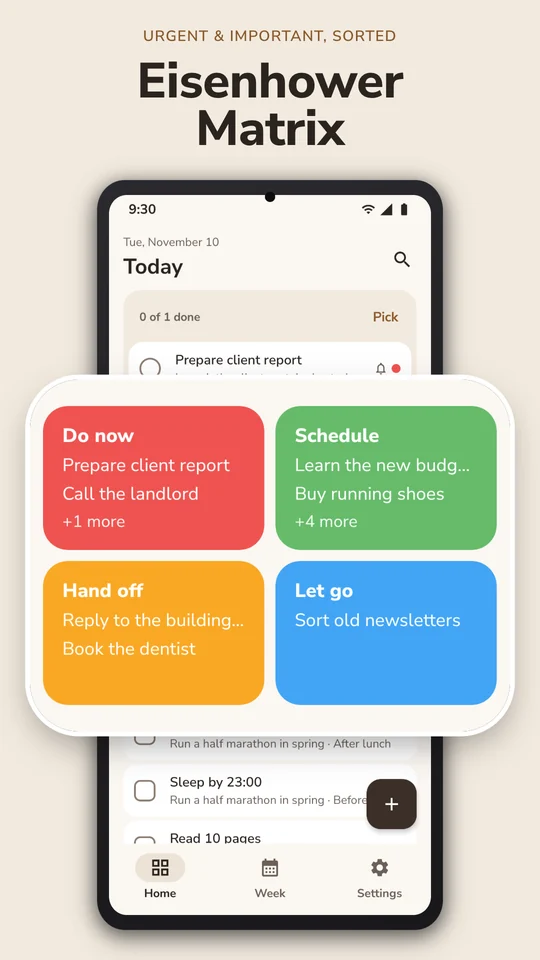
- Answer two questionsIs it urgent? Is it important? The task lands in one of four boxes: Do now, Schedule, Hand off or Let go.
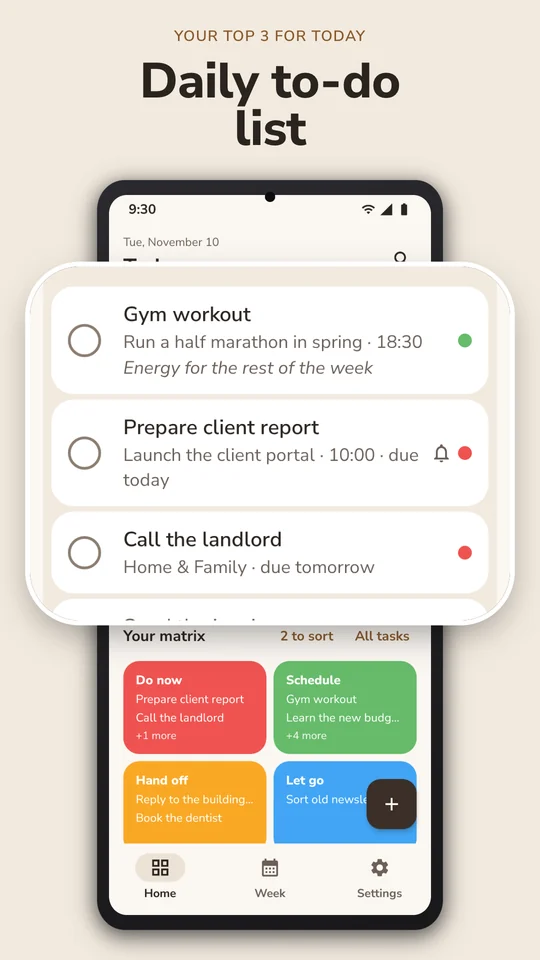
- Pick today's 3Prioritize a few tasks for today and work from a short to-do list.
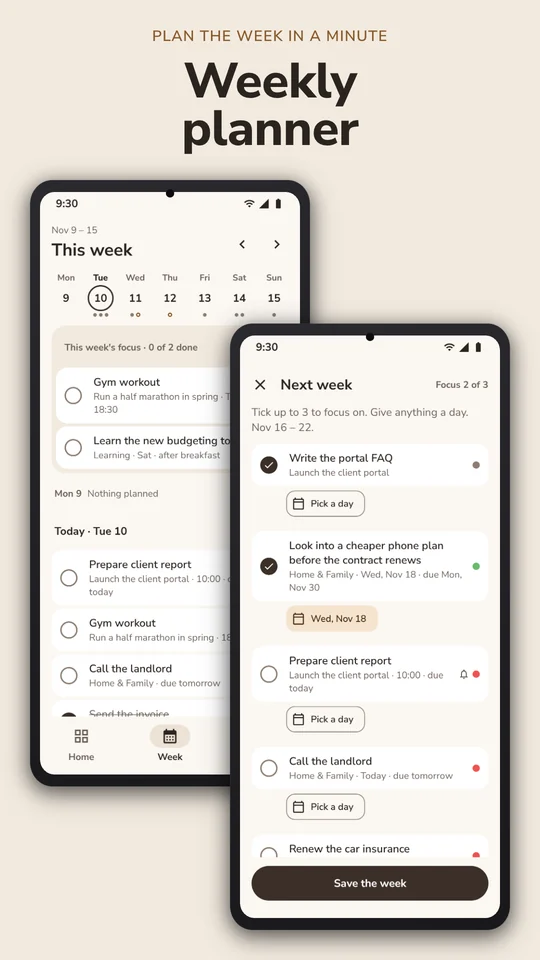
- Plan the weekChoose up to three things to focus on and give each task a day.
Screenshots
In the app
-
Goals
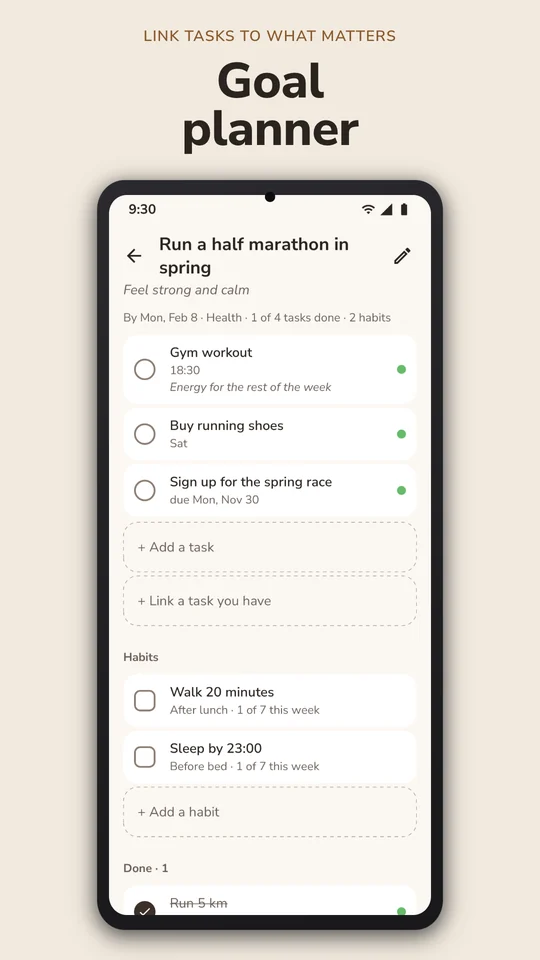
Write why a goal matters, set a date and link tasks to it. The goal's page shows what is done and what is next.
-
Habits
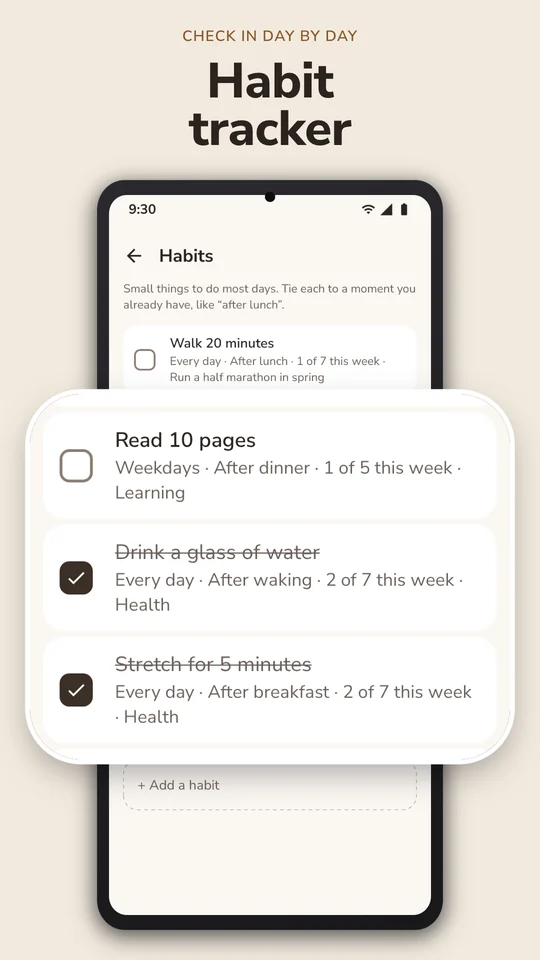
Small things for most days, each tied to a moment you already have. Tick them day by day and link them to a goal.
-
Reminders
Reminders on tasks, one daily planning reminder and one for the weekly plan. None is on until you choose it.
-
Widgets
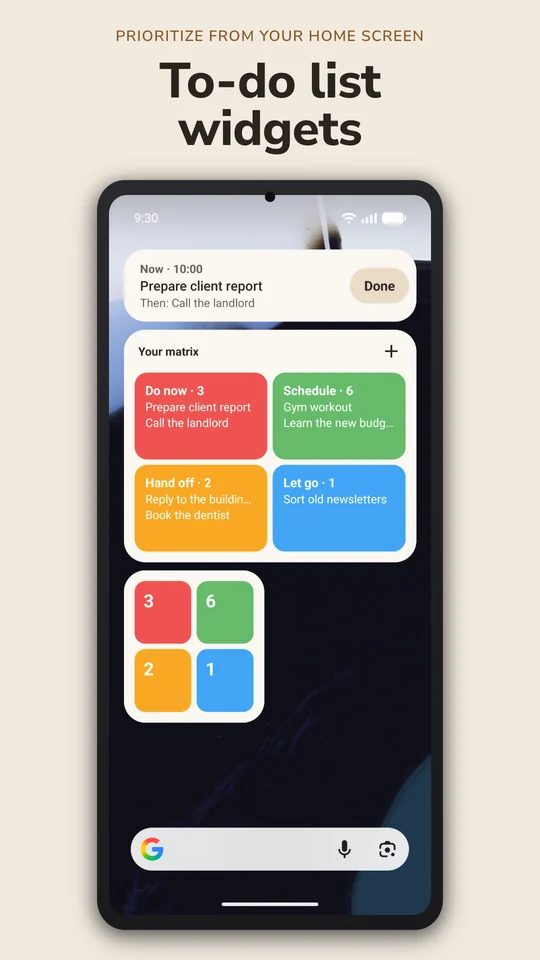
Now shows your next task with a Done button. Your matrix shows the four boxes. Matrix counts shows how many tasks wait in each.
-
Hand off
Note who a task is with and a day to check. It shows as Waiting for that person, and the app reminds you on the check day.
-
Export to a file
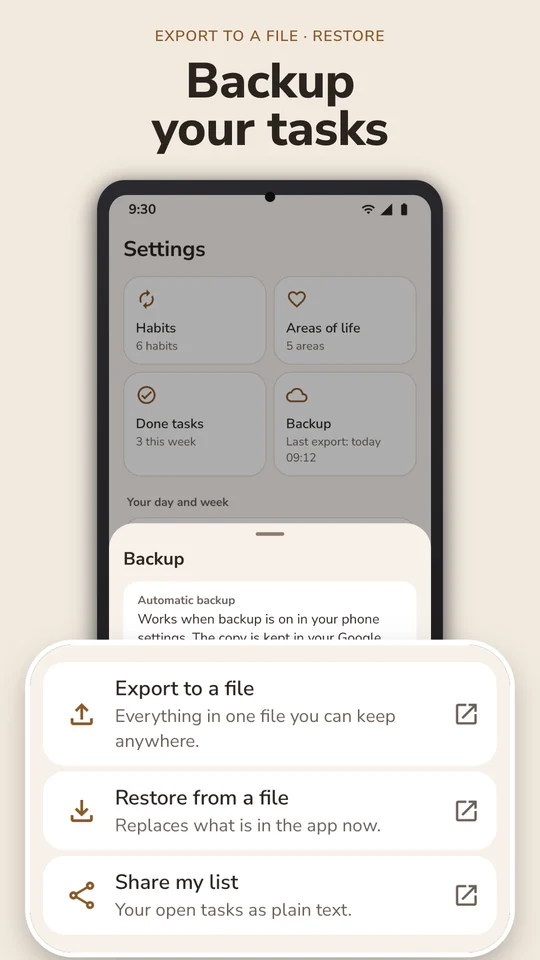
Save everything in one file and restore from it on another phone. Share my list sends your open tasks as plain text.
Questions
- What is the Eisenhower matrix?
- A way to prioritize tasks with two questions: is it urgent, and is it important? The answers give four boxes. Do now, schedule, hand off, let go.
- Is it a to-do list or a planner?
- Both. Every task sits in the matrix; Today is your daily to-do list, and the Week tab is a weekly planner with up to three things to focus on.
- What does it cost?
- The app is free to download, and it shows no ads.
- Do my tasks leave my phone?
- No. Tasks, notes, goals and habits are stored on your phone. The app sends usage statistics and crash reports, never with your tasks or notes, and you can turn both off. Privacy policy
- More questions?
- The four boxes, reminders, widgets, export and restore. Help
Start with one task.
Add it, answer two questions and see which box it belongs in.